Implementing Queues with TypeScript and Bull.js: A Comprehensive Guide
A user uploads a video. You need to transcode it, generate thumbnails, and send a notification. Do you make the user wait for all of that? No. You put the...
18 Apr 2024
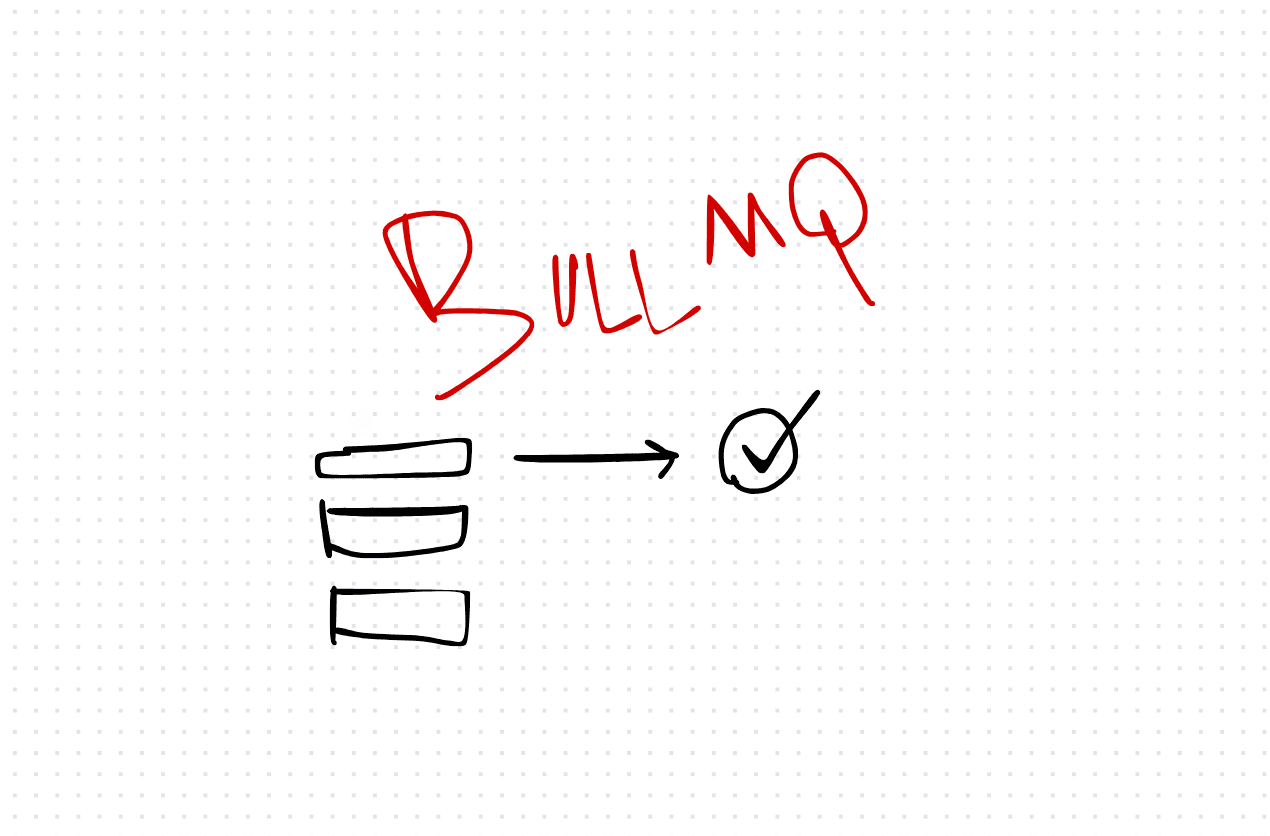
A user uploads a video. You need to transcode it, generate thumbnails, and send a notification. Do you make the user wait for all of that? No. You put the work on a queue.
BullMQ (the successor to Bull.js) is a Redis-backed job queue for Node.js. It handles job scheduling, retries, rate limiting, and concurrency — all the things you'd have to build yourself with a raw Redis connection.
Basic setup
import { Queue, Worker } from "bullmq";

const queue = new Queue("video-processing", {
  connection: { host: "localhost", port: 6379 },
});

const worker = new Worker(
  "video-processing",
  async (job) => {
    console.log(`Processing job ${job.id}: ${job.data.filename}`);
    // Transcode, generate thumbnails, etc.
  },
  { connection: { host: "localhost", port: 6379 } }
);
Adding a job:
await queue.add("transcode", { filename: "video.mp4", userId: 123 });That's it. The job goes into Redis. The worker picks it up and processes it asynchronously.
Retries and failure handling
await queue.add("transcode", { filename: "video.mp4" }, {
  attempts: 3,
  backoff: { type: "exponential", delay: 1000 },
});
If the job fails, BullMQ retries it with exponential backoff. After three attempts, it moves to the failed queue where you can inspect and manually retry it.
Delayed and scheduled jobs
await queue.add("send-reminder", { userId: 123 }, {
  delay: 60000, // Run after 60 seconds
});
The trade-off
BullMQ gives you reliable, persistent job processing with minimal code. Redis handles the storage, and BullMQ handles the orchestration.
The cost: you need a Redis instance. Redis is an additional piece of infrastructure to manage, monitor, and back up. If Redis goes down, your queue goes down.
For simple use cases (a few background tasks), you might not need a queue at all — a setTimeout or an in-process event emitter could work. For anything with retries, persistence, or scale requirements, BullMQ is hard to beat in the Node.js ecosystem.
AI Transformation for Organisational Leaders
For directors, heads of function and founders: eight live evening sessions with Ehsan Gazar and Anoosh Zeighami, ending with a one-page 2027 AI plan for your organisation, built on a real workflow and ready for your leadership team.
$1,495, or $1,045 with code EARLYBIRD until 23 Oct.
View the live cohortKeep reading
- TypeScript Anti-Patterns That Cost You Twice: Build Time, Runtime, and the Interview
- The Frontend Toolchain Is Now Written in Rust and Go. What That Means for You
- oxlint vs ESLint: Why I Replaced ESLint with oxlint
- SystemJS Is Dead. Native ESM Finally Won.
- Replace Axios with a Simple Custom Fetch Wrapper (Production-Ready Guide)
- Stop Shipping ChatGPT Wrappers. Ship an Agent in TypeScript, or Don't Bother.