React 19 in Production: The Features That Actually Changed How You Write React
React 19 is the release where React stops asking you to do the framework's job. The theme is clear: less boilerplate, more automation.
29 Apr 2024
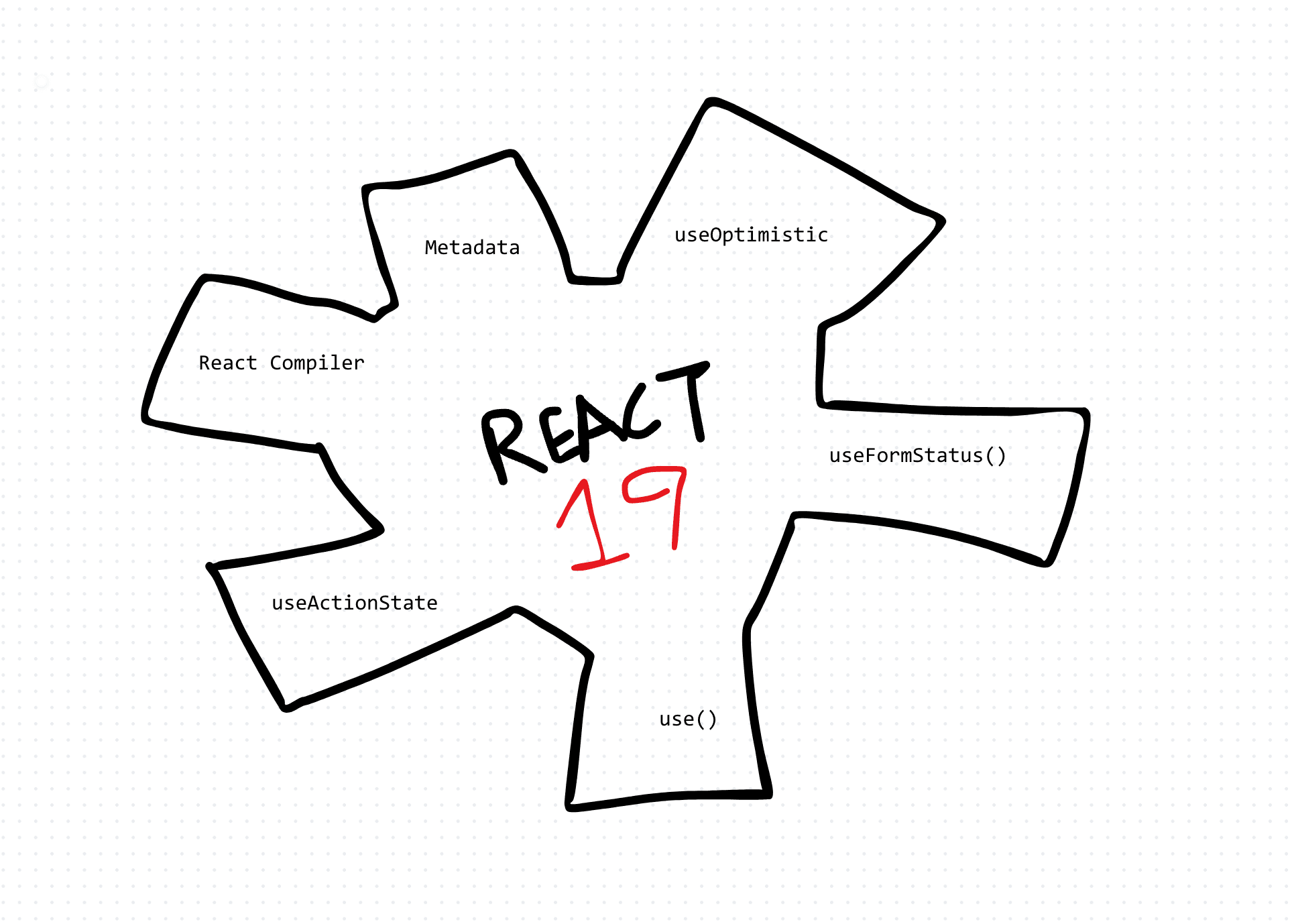
React 19 shipped as stable in December 2024. The framing that stuck at the time was "less boilerplate," but that undersells it. The real theme is that React finally does a set of jobs it used to hand to you: memoization, form state, metadata, ref plumbing. Here is what actually landed, and how it changes the code you write.
First: the React Compiler is not part of React 19
This is the most common misconception, so clear it up before anything else. The React Compiler shipped as a separate product. It entered public beta alongside React 19 at the end of 2024 and reached 1.0 in October 2025. React 19 the library and the compiler are two different releases on two different timelines.
What the compiler does is real, though. For years you wrote useMemo, useCallback, and memo by hand, maintaining dependency arrays and debugging stale closures when you got them wrong. The compiler analyzes your components at build time and inserts that memoization for you.
// You wrote this by hand for years:
const value = useMemo(() => expensive(a, b), [a, b]);
const onClick = useCallback(() => handle(a), [a]);

// The compiler infers the same memoization at build time,
// so you write the plain version and it stays fast.
const value = expensive(a, b);
const onClick = () => handle(a);
By 2026 the compiler is the default assumption in new projects. Next.js, Expo, TanStack Start, and the Vite-based frameworks each wire it into their build pipeline, and the story is "on by default, turn it off if you hit an edge case." Adopt it, but adopt it as its own decision, not as a React 19 feature.
Actions: async transitions become first-class
Before 19, every mutation meant the same manual dance: set a pending flag, try/catch the request, set an error, reset pending. React 19 builds this into transitions. An async function passed to a transition or a form action is an Action, and React tracks pending and error state for you.
import { useActionState } from "react";

async function updateName(_prev: string | null, formData: FormData) {
  const error = await saveName(formData.get("name") as string);
  return error ?? null;
}

function NameForm() {
  const [error, submitAction, isPending] = useActionState(updateName, null);
  return (
    <form action={submitAction}>
      <input name="name" />
      <button disabled={isPending}>Update</button>
      {error && <p role="alert">{error}</p>}
    </form>
  );
}
useActionState (renamed from the beta's useFormState) returns the last result and a pending flag. No useState for loading, no manual reset.
useFormStatus for nested submit buttons
A child deep inside a form can read the parent form's pending state without prop drilling:
import { useFormStatus } from "react-dom";

function SubmitButton() {
  const { pending } = useFormStatus();
  return <button disabled={pending}>Save</button>;
}
useOptimistic for instant UI
Show the result before the server confirms, and let React roll back automatically if the Action fails:
const [optimisticMessages, addOptimistic] = useOptimistic(
  messages,
  (state, next: string) => [...state, { text: next, sending: true }],
);
The use() API
use reads the value of a promise or context. Unlike every other hook, you can call it conditionally, inside an if or a loop. Reading a promise suspends the component until it resolves, which pairs cleanly with Suspense.
import { use } from "react";

function Comments({ commentsPromise }: { commentsPromise: Promise<Comment[]> }) {
  const comments = use(commentsPromise); // suspends until resolved
  return comments.map((c) => <p key={c.id}>{c.text}</p>);
}
ref is just a prop now
forwardRef is obsolete. Function components accept ref as a normal prop, so the wrapper that wrapped half your design system disappears.
function Input({ ref, ...props }: React.ComponentProps<"input">) {
  return <input ref={ref} {...props} />;
}
Ref callbacks can also return a cleanup function, which finally gives you a symmetric setup and teardown instead of the awkward null call on unmount:
<input
  ref={(node) => {
    node?.focus();
    return () => {
      // teardown when the element unmounts
    };
  }}
/>
Document metadata, stylesheets, and scripts
Render <title>, <meta>, and <link> anywhere in the tree and React hoists them into <head>. For a lot of apps this removes the need for a helmet library entirely, and it works with client rendering, streaming SSR, and Server Components.
function BlogPost({ post }: { post: Post }) {
  return (
    <article>
      <title>{post.title}</title>
      <meta name="description" content={post.excerpt} />
      <link rel="canonical" href={post.url} />
      <h1>{post.title}</h1>
    </article>
  );
}
React 19 also understands stylesheet precedence and async scripts, deduplicating them and ordering them correctly across components.
Server Components and Server Actions are stable
The RSC APIs that spent years behind the "experimental" label are stable in React 19. Server Components render on the server and ship no JavaScript for their own logic. Server Actions let a Client Component call a server function directly, wired into the same action prop as the form features above. If you are on a framework that supports them (Next.js, and increasingly others), they are now a supported foundation, not a preview.
Should you upgrade?
The migration is mostly mechanical, with a few sharp edges:
forwardRefstill works but is deprecated. A codemod rewrites most usages.- Removed APIs: legacy string refs,
propTypesanddefaultPropson function components, and the legacy Context API are gone. If you have old code, this is the real work. - Stricter types: the
@types/react19 update tightensrefandReactNode, which surfaces latent type errors on upgrade.
Run the upgrade on a branch, let the type-checker find the breakage, and treat the compiler as a separate follow-up once you are on 19.
Wrapping up
React 19 is not a grab bag of small features. It is React taking over the busywork you used to hand-write: memoization (via the separately shipped compiler), form and mutation state (Actions), and document metadata. Write the plain version, let the framework keep it correct and fast. That is the shift, and it is stable and in production now, not a sneak peek.
AI Transformation for Organisational Leaders
For directors, heads of function and founders: eight live evening sessions with Ehsan Gazar and Anoosh Zeighami, ending with a one-page 2027 AI plan for your organisation, built on a real workflow and ready for your leadership team.
$1,495, or $1,045 with code EARLYBIRD until 23 Oct.
View the live cohortKeep reading
- React 19 Performance Secrets, Concurrent Rendering, Suspense & Real Tips
- Lazy Loading in HTML and CSS: Enhancing Performance and User Experience
- Edge Rendering with Next.js and Cloudflare Workers
- Rolling Out an Internal UI Component Library
- What is a Design System According to Atlassian?
- CSS Houdini: New Possibilities for Your CSS