React 18 in Review: The Concurrent Foundation Behind React 19
React 18 was the release that fundamentally changed how React handles rendering. Not incremental improvements -- a new mental model. Here are the features...
29 Apr 2024
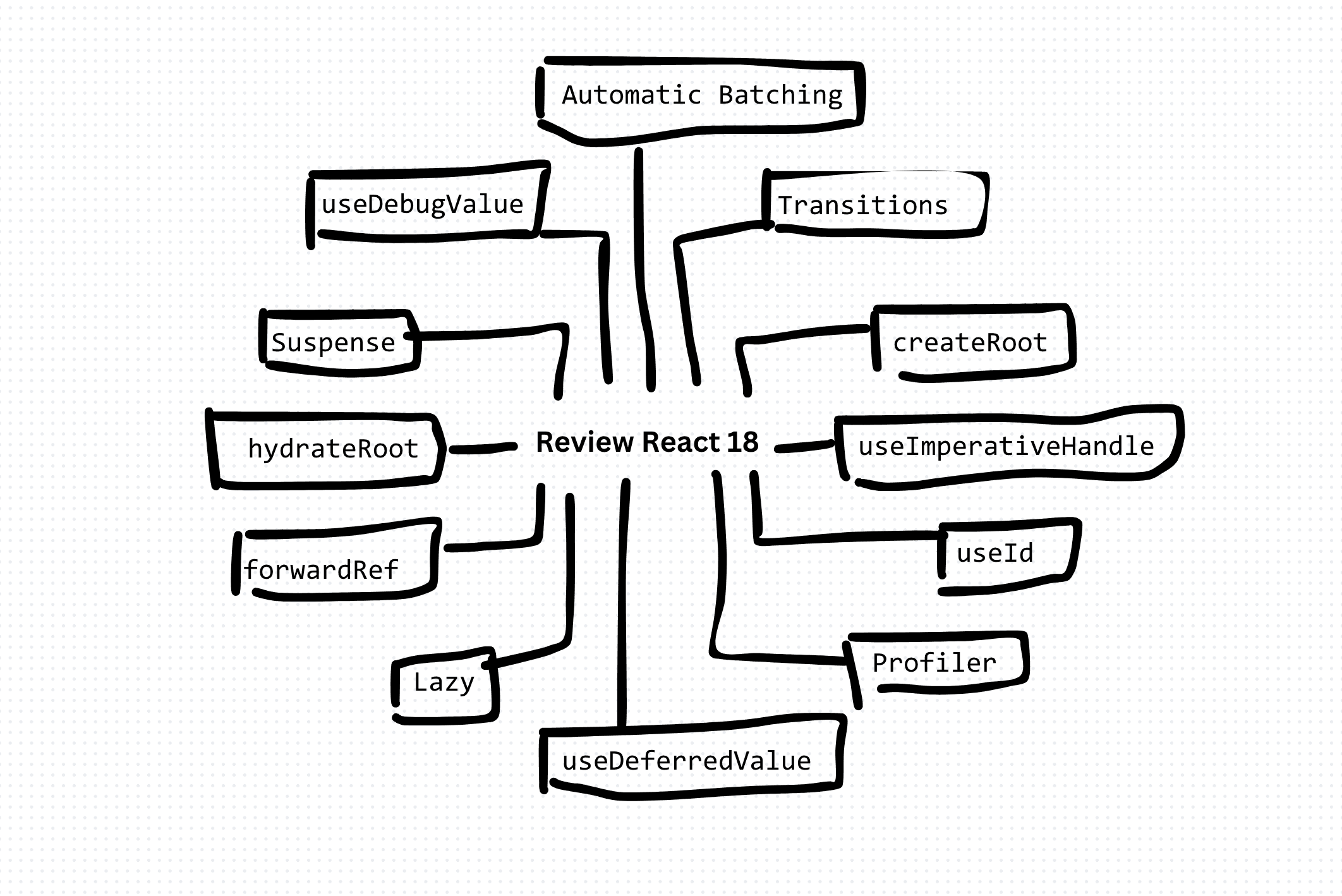
React 18 is worth revisiting not for nostalgia but because it is the release that made React concurrent, and everything in React 19 builds directly on it. If you understand what 18 introduced, 19 stops looking like magic and starts looking like the logical next step. Here is the retrospective, in TypeScript, with the throughline to today.
The headline: concurrent rendering
React 18 rewrote the core so rendering became interruptible. Before, once React started rendering it ran to completion and blocked the main thread. With concurrency, React can pause a render, handle a more urgent update, and resume. You never call "concurrent mode" directly; it is the engine that powers the features below.
Automatic batching
Before 18, React batched state updates inside event handlers but not inside promises, timeouts, or native handlers. So two setState calls in a fetch().then() caused two renders. React 18 batches them everywhere.
function save() {
  fetchUser().then(() => {
    setLoading(false);
    setUser(next);
    // React 18: one re-render, not two
  });
}
Free performance, no code change. This is the kind of "the framework does the busywork" move that React 19 later took much further with Actions.
Transitions: marking updates as non-urgent
startTransition and useTransition let you tell React that an update can be interrupted by something more important, like keystrokes. A heavy filtered list no longer makes the input feel laggy.
import { useState, useTransition } from "react";

function Search() {
  const [isPending, startTransition] = useTransition();
  const [results, setResults] = useState<Item[]>([]);

  function onChange(query: string) {
    startTransition(() => {
      setResults(filterExpensively(query)); // yields to typing
    });
  }
  return isPending ? <Spinner /> : <List items={results} />;
}
This is the direct ancestor of React 19's Actions, which extended transitions to handle async work and pending state automatically.
Suspense for data and streaming SSR
React 18 made Suspense work on the server. renderToPipeableStream streams HTML as it becomes ready, and <Suspense> boundaries let the shell paint while slow sections stream in behind their fallbacks.
<Suspense fallback={<Skeleton />}>
  <SlowWidget />
</Suspense>
Selective hydration then hydrates the interactive parts first. This streaming foundation is exactly what Server Components in 19 rely on.
useId and other small tools
useId generates stable IDs that match between server and client, killing a common hydration-mismatch bug for form labels and ARIA attributes.
const id = useId();
return (
  <>
    <label htmlFor={id}>Email</label>
    <input id={id} />
  </>
);
The line to React 19
Read together, React 18 laid the track and React 19 ran the train:
- Automatic batching → Actions handle whole async mutations for you.
- Transitions → Actions extend them to async with built-in pending and error state.
- Streaming SSR and Suspense → stable Server Components and Server Actions.
- Manual
useMemo/useCallback→ the separately shipped React Compiler inserts them for you.
Should you still care?
If you are on 18, the upgrade to 19 is incremental precisely because these primitives already exist. If you are on 17 or earlier, 18 is the real jump: the concurrent engine, automatic batching, and the new root API (createRoot) are the breaking changes to plan for. Either way, the concurrent model introduced here is the mental model you need for everything React ships now.
Wrapping up
React 18 was not a feature release so much as an architectural one: it made rendering interruptible and everything else, transitions, streaming, Suspense, followed from that. React 19's Actions, Server Components, and compiler are not a new direction, they are 18's ideas taken to their conclusion. Understand 18 and the current React makes sense.
AI Transformation for Organisational Leaders
For directors, heads of function and founders: eight live evening sessions with Ehsan Gazar and Anoosh Zeighami, ending with a one-page 2027 AI plan for your organisation, built on a real workflow and ready for your leadership team.
$1,495, or $1,045 with code EARLYBIRD until 23 Oct.
View the live cohortKeep reading
- React 19 Performance Secrets, Concurrent Rendering, Suspense & Real Tips
- Lazy Loading in HTML and CSS: Enhancing Performance and User Experience
- Edge Rendering with Next.js and Cloudflare Workers
- Rolling Out an Internal UI Component Library
- What is a Design System According to Atlassian?
- CSS Houdini: New Possibilities for Your CSS