React Focus Trap in a TypeScript React Application
I shipped a modal once without a focus trap. A screen reader user reported that pressing Tab sent them behind the modal into the page content. They couldn...
24 Apr 2024
I shipped a modal once without a focus trap. A screen reader user reported that pressing Tab sent them behind the modal into the page content. They couldn't close it. That was the day I learned focus traps aren't optional.
A focus trap confines keyboard focus to a specific region of the DOM. Think of it like a velvet rope around a VIP section. When a modal or popover opens, Tab and Shift+Tab cycle only through the interactive elements inside it. The user can't accidentally tab out into the page behind.
This matters for accessibility. Without it, keyboard and screen reader users get lost. With it, they stay oriented.
How it works
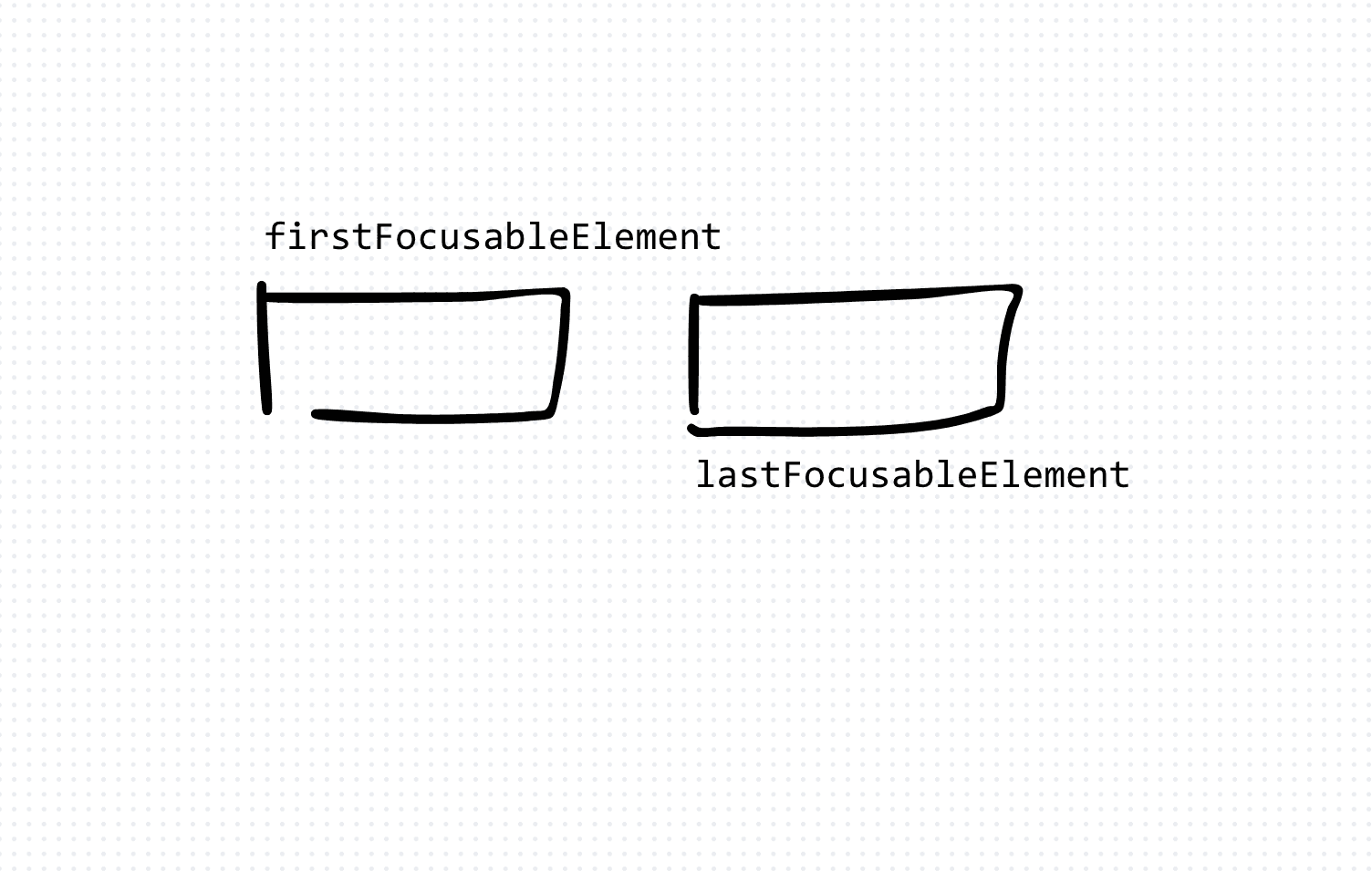
The idea is simple. When the trap activates, find all focusable elements inside a container. On Tab, move to the next one. On Shift+Tab, move to the previous one. If you're at the end, loop back to the start.
import React, { useEffect, useRef } from 'react'

const FocusTrap: React.FC<{ children: React.ReactNode }> = ({ children }) => {
  const trapRef = useRef<HTMLDivElement>(null)

  useEffect(() => {
    const trapElement = trapRef.current
    if (!trapElement) return

    const focusableSelectors = 'a, button, input, textarea, select, [tabindex]:not([tabindex="-1"])'
    const focusableElements = trapElement.querySelectorAll<HTMLElement>(focusableSelectors)
    const firstElement = focusableElements[0]
    const lastElement = focusableElements[focusableElements.length - 1]

    const handleKeyDown = (e: KeyboardEvent) => {
      if (e.key !== 'Tab') return

      if (e.shiftKey) {
        if (document.activeElement === firstElement) {
          e.preventDefault()
          lastElement.focus()
        }
      } else {
        if (document.activeElement === lastElement) {
          e.preventDefault()
          firstElement.focus()
        }
      }
    }

    firstElement?.focus()
    trapElement.addEventListener('keydown', handleKeyDown)
    return () => trapElement.removeEventListener('keydown', handleKeyDown)
  }, [])

  return <div ref={trapRef}>{children}</div>
}

export default FocusTrap
The trade-offs
Building your own focus trap gives you full control and zero dependencies. But it's easy to miss edge cases: dynamically added elements, shadow DOM boundaries, or iframes inside the trap.
Libraries like focus-trap-react handle these edge cases well. The cost is an extra dependency and less control over the internals.
For most production apps, I use a library. For learning how focus management actually works, building one from scratch is worth the exercise.
When to use it
Use a focus trap any time you render something that should monopolize user attention: modals, dialogs, dropdown menus, or multi-step wizards. If the user opened it with a click, they should be able to navigate and close it entirely with the keyboard.
Skip it for inline content that doesn't overlay the page. Not every popover needs a trap. But every modal does.
AI Transformation for Organisational Leaders
For directors, heads of function and founders: eight live evening sessions with Ehsan Gazar and Anoosh Zeighami, ending with a one-page 2027 AI plan for your organisation, built on a real workflow and ready for your leadership team.
$1,495, or $1,045 with code EARLYBIRD until 23 Oct.
View the live cohortKeep reading
- React 19 Performance Secrets, Concurrent Rendering, Suspense & Real Tips
- Lazy Loading in HTML and CSS: Enhancing Performance and User Experience
- Edge Rendering with Next.js and Cloudflare Workers
- Rolling Out an Internal UI Component Library
- What is a Design System According to Atlassian?
- CSS Houdini: New Possibilities for Your CSS