React Error Boundary in a TypeScript React Application
A component throws an error during render. Without an error boundary, the entire app crashes. The user sees a white screen. No feedback. No recovery option.
24 Apr 2024
A component throws an error during render. Without an error boundary, the entire app crashes. The user sees a white screen. No feedback. No recovery option.
Error boundaries prevent that. They catch rendering errors in their child tree and display a fallback UI instead of crashing the whole application.
What Error Boundaries Catch
Error boundaries catch errors during:
- Rendering
- Lifecycle methods
- Constructors of child components
They do not catch errors in:
- Event handlers (use try/catch)
- Async code (promises, setTimeout)
- Server-side rendering
- Errors thrown in the error boundary itself
Implementation in TypeScript
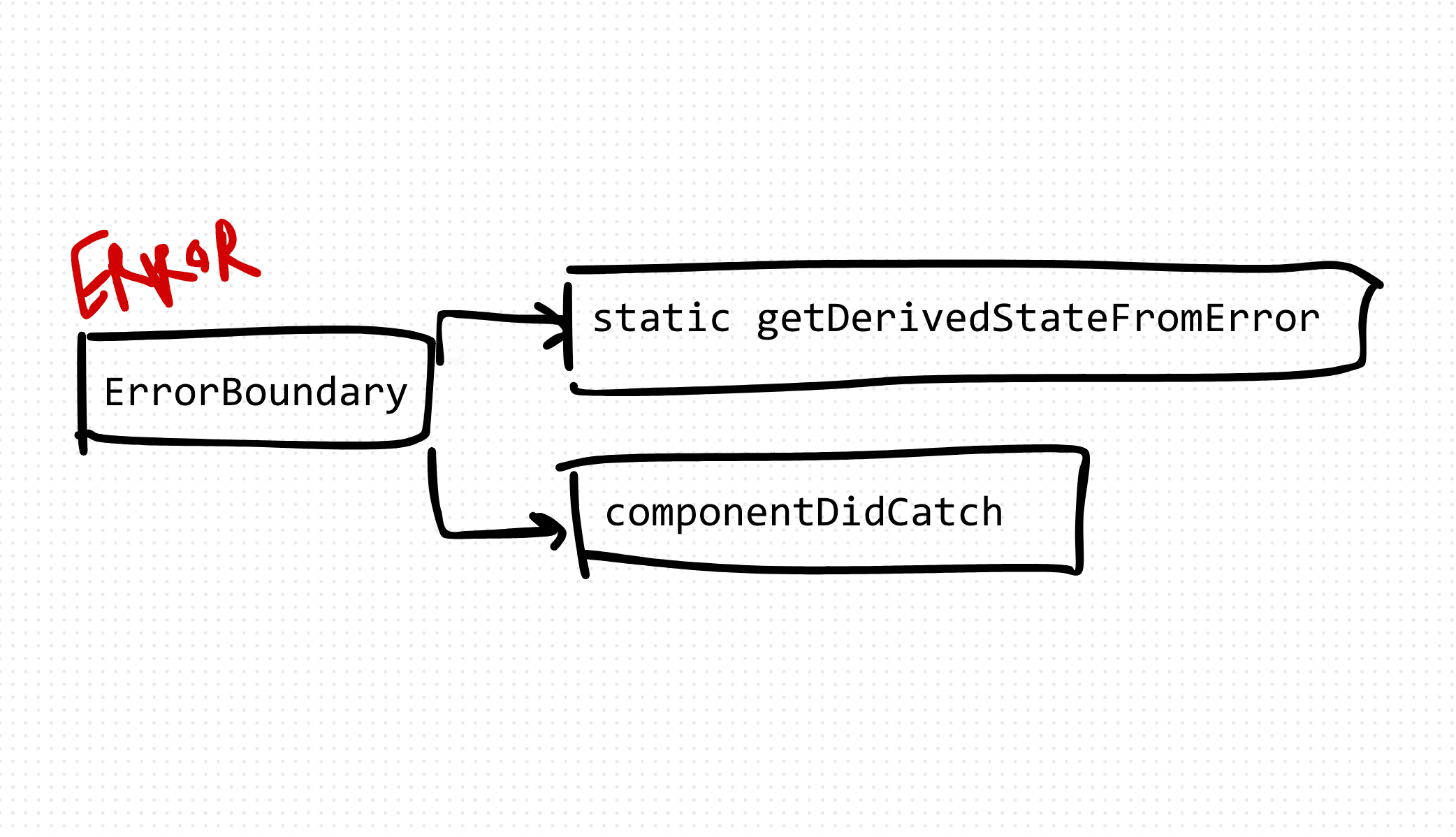
Error boundaries must be class components. React doesn't have a hook equivalent for componentDidCatch.
interface ErrorBoundaryProps {
  children: React.ReactNode
  fallback?: React.ReactNode
}

interface ErrorBoundaryState {
  hasError: boolean
  error: Error | null
}

class ErrorBoundary extends React.Component<ErrorBoundaryProps, ErrorBoundaryState> {
  constructor(props: ErrorBoundaryProps) {
    super(props)
    this.state = { hasError: false, error: null }
  }

  static getDerivedStateFromError(error: Error): ErrorBoundaryState {
    return { hasError: true, error }
  }

  componentDidCatch(error: Error, errorInfo: React.ErrorInfo): void {
    console.error('Error caught by boundary:', error, errorInfo)
    // Send to your error reporting service here
  }

  render(): React.ReactNode {
    if (this.state.hasError) {
      return this.props.fallback || (
        <div>
          <h2>Something went wrong.</h2>
          <button onClick={() => this.setState({ hasError: false, error: null })}>
            Try again
          </button>
        </div>
      )
    }

    return this.props.children
  }
}
Usage
Wrap any section of your component tree that you want to protect:
<ErrorBoundary fallback={<p>This section failed to load.</p>}>
  <RiskyComponent />
</ErrorBoundary>
You can use multiple error boundaries at different levels. A top-level boundary catches everything. Granular boundaries let parts of the page fail independently.
<ErrorBoundary fallback={<AppCrashScreen />}>
  <Header />
  <ErrorBoundary fallback={<p>Sidebar failed to load.</p>}>
    <Sidebar />
  </ErrorBoundary>
  <ErrorBoundary fallback={<p>Content failed to load.</p>}>
    <MainContent />
  </ErrorBoundary>
</ErrorBoundary>
The Trade-offs
Benefits: Graceful degradation. Users see a meaningful error message instead of a blank page. You can add retry functionality. Error reporting hooks let you send errors to services like Sentry or DataDog.
Costs: Class component syntax in a hooks world — it's awkward but necessary. Error boundaries don't catch async errors, so you still need try/catch in event handlers and data fetching. The react-error-boundary library provides a hooks-friendly wrapper if the class syntax bothers you.
Production Tips
- Always connect
componentDidCatchto your error monitoring service. An error boundary that doesn't report is just hiding problems. - Provide a "Try again" button in your fallback UI. Many errors are transient.
- Use granular boundaries. One boundary per major section lets the rest of the app keep working when one section fails.
- Test your error boundaries. Intentionally throw errors in development to verify your fallback UI works.
AI Transformation for Organisational Leaders
For directors, heads of function and founders: eight live evening sessions with Ehsan Gazar and Anoosh Zeighami, ending with a one-page 2027 AI plan for your organisation, built on a real workflow and ready for your leadership team.
$1,495, or $1,045 with code EARLYBIRD until 23 Oct.
View the live cohortKeep reading
- React 19 Performance Secrets, Concurrent Rendering, Suspense & Real Tips
- Lazy Loading in HTML and CSS: Enhancing Performance and User Experience
- Edge Rendering with Next.js and Cloudflare Workers
- Rolling Out an Internal UI Component Library
- What is a Design System According to Atlassian?
- CSS Houdini: New Possibilities for Your CSS