What is the difference between a Node.js stream and a Node.js buffer?
Think of a buffer as a bucket. You fill it up, then you use the water. Think of a stream as a pipe. Water flows through it continuously.
23 Apr 2024
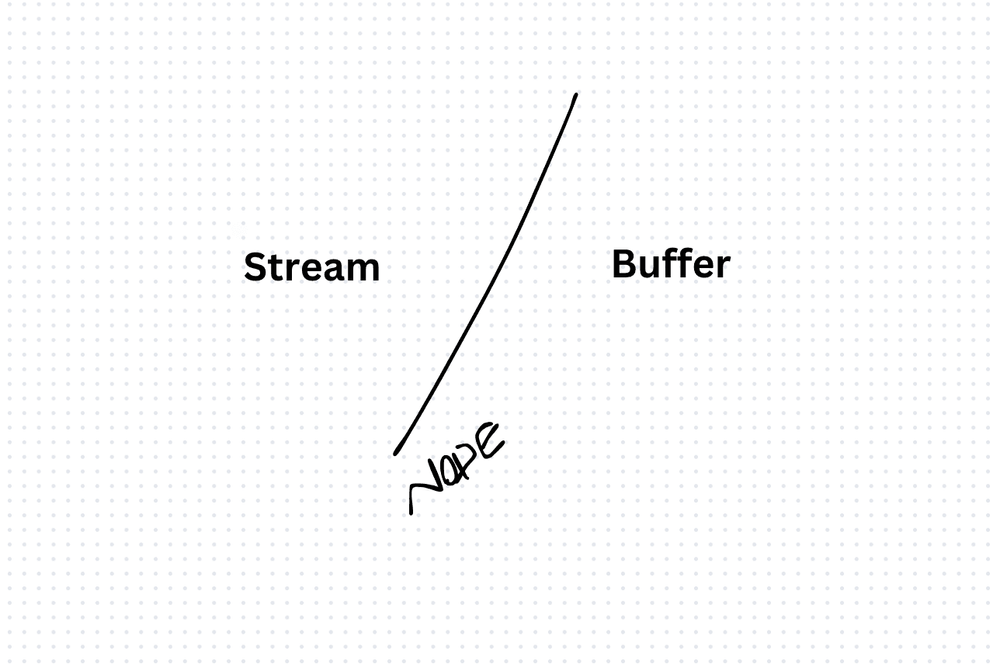
Think of a buffer as a bucket. You fill it up, then you use the water. Think of a stream as a pipe. Water flows through it continuously.
That's the core difference in Node.js.
Buffer — load everything into memory
A buffer is a chunk of binary data sitting in memory. You read the whole thing at once, work with it, then move on.
import * as fs from 'fs';

const buffer = Buffer.from('Hello, World!', 'utf8');
fs.writeFileSync('example.txt', buffer.toString());

const fileContent = fs.readFileSync('example.txt', 'utf8');
console.log(fileContent);
Buffers work great for small files and quick operations. But load a 2GB video file into a buffer and your process crashes with an out-of-memory error.
Stream — process data in chunks
A stream processes data piece by piece as it arrives. You never hold the entire dataset in memory.
import * as fs from 'fs';

const stream = fs.createReadStream('largefile.txt', 'utf8');
stream.on('data', (chunk) => {
  console.log(chunk.toString());
});

stream.pipe(process.stdout);
Streams shine for large files, network I/O, and real-time processing like video or audio.
When to use which
Buffers: Small data, file reads where you need the entire content at once, encryption operations, quick transformations.
Streams: Large files, real-time data, piping data between sources, anything where memory efficiency matters.
The trade-off
Buffers are simpler to reason about — you have all the data, do what you want. Streams are more complex (backpressure, error handling across chunks) but they scale. If your data fits comfortably in memory, a buffer is fine. If it doesn't, you need a stream.
AI Transformation for Organisational Leaders
For directors, heads of function and founders: eight live evening sessions with Ehsan Gazar and Anoosh Zeighami, ending with a one-page 2027 AI plan for your organisation, built on a real workflow and ready for your leadership team.
$1,495, or $1,045 with code EARLYBIRD until 23 Oct.
View the live cohort