Testing setTimeout Functions in React Components
I had a component that showed a success message for 3 seconds, then hid it. Simple feature. The test? It passed locally, failed in CI, passed again when I...
29 Apr 2024
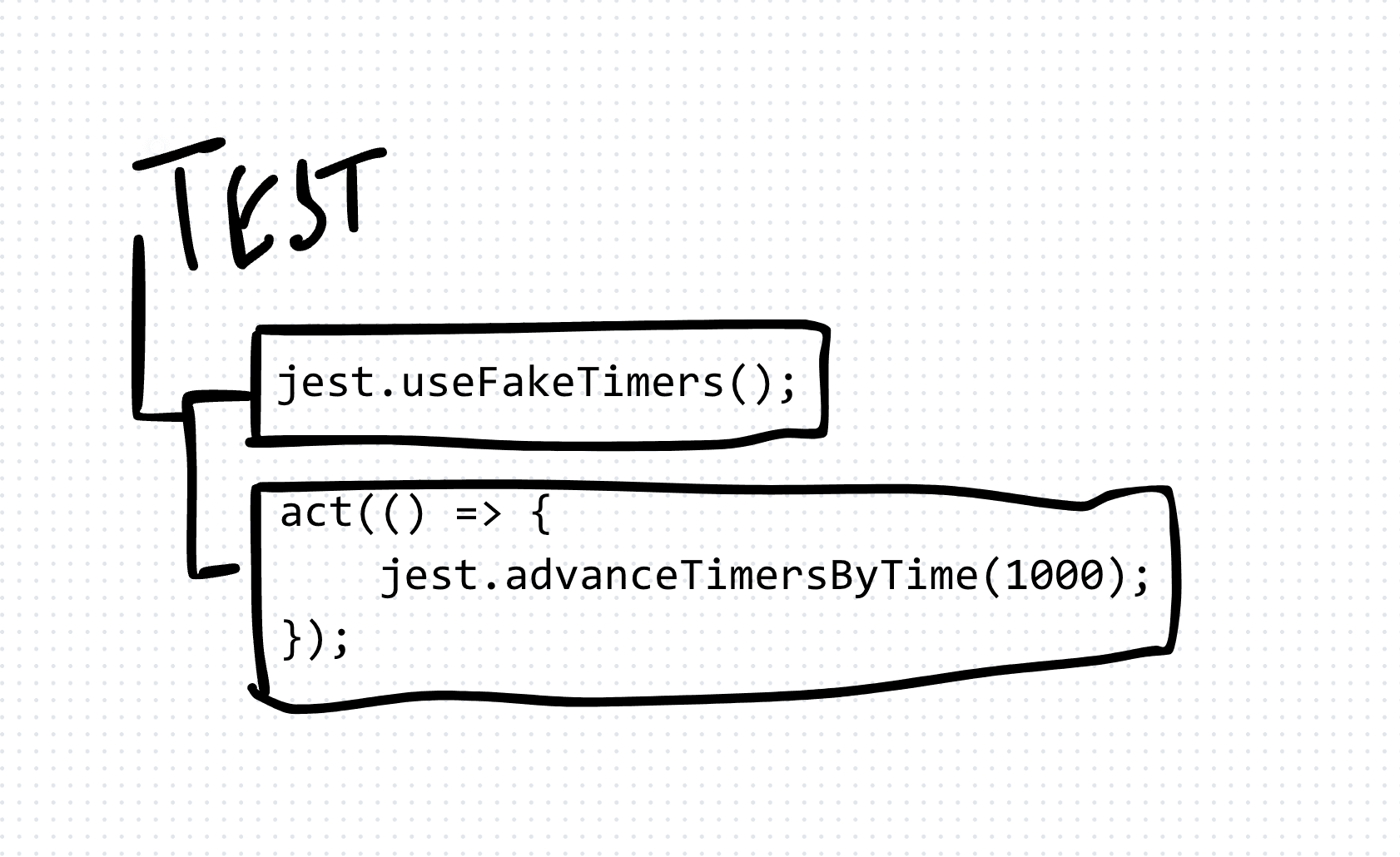
I had a component that showed a success message for 3 seconds, then hid it. Simple feature. The test? It passed locally, failed in CI, passed again when I re-ran it. Classic flaky test.
The problem was real time. My test was waiting for actual seconds to pass. That is never going to be reliable.
The fix: fake timers
Fake timers let you control time in your tests. Instead of waiting for setTimeout to actually fire, you tell the test runner to skip forward. Time becomes a variable you control, not something you wait for.
Here is the pattern:
- Enable fake timers before the test runs
- Render the component and trigger the behavior
- Fast-forward time by the exact amount you need
- Assert the expected state
- Restore real timers in cleanup
A practical example
Say I have a notification component. It shows a message, then hides it after 3 seconds.
import React, { useState, useEffect } from 'react';

function Notification({ message }: { message: string }) {
  const [visible, setVisible] = useState(true);

  useEffect(() => {
    const timer = setTimeout(() => setVisible(false), 3000);
    return () => clearTimeout(timer);
  }, []);

  if (!visible) return null;
  return <div role="alert">{message}</div>;
}
The test:
import { render, screen, act } from '@testing-library/react';
import { vi, describe, it, expect, beforeEach, afterEach } from 'vitest';

describe('Notification', () => {
  beforeEach(() => {
    vi.useFakeTimers();
  });

  afterEach(() => {
    vi.restoreAllTimers();
  });

  it('hides the message after 3 seconds', () => {
    render(<Notification message="Saved!" />);
    expect(screen.getByRole('alert')).toBeInTheDocument();

    act(() => {
      vi.advanceTimersByTime(3000);
    });

    expect(screen.queryByRole('alert')).not.toBeInTheDocument();
  });

  it('stays visible before 3 seconds', () => {
    render(<Notification message="Saved!" />);

    act(() => {
      vi.advanceTimersByTime(2999);
    });

    expect(screen.getByRole('alert')).toBeInTheDocument();
  });
});
Why act() matters
Wrapping advanceTimersByTime in act() tells React to process all state updates triggered by the timer. Without it, you get warnings and potentially stale assertions. React needs to know the world changed.
The trade-off
Fake timers make tests deterministic and fast. But they add cognitive overhead. You are now responsible for advancing time manually. If your component has multiple timers or nested setTimeout calls, the test can get complex fast.
For simple delays, fake timers are the right call. For complex timing chains, consider whether the component design itself needs simplifying.
Common mistakes
- Forgetting cleanup. Always restore real timers in
afterEach. Leaked fake timers poison other tests. - Not wrapping in
act(). React state updates from timers needact()to flush properly. - Using
runAllTimers()carelessly. If you have asetInterval,runAllTimerscreates an infinite loop. UseadvanceTimersByTimewith a specific value instead.
AI Transformation for Organisational Leaders
For directors, heads of function and founders: eight live evening sessions with Ehsan Gazar and Anoosh Zeighami, ending with a one-page 2027 AI plan for your organisation, built on a real workflow and ready for your leadership team.
$1,495, or $1,045 with code EARLYBIRD until 23 Oct.
View the live cohort