Reviewing Inset, Popover, and :has() in CSS - New Features
Three CSS features I keep reaching for: inset, popover, and :has(). Each one eliminates a pattern that used to require either verbose CSS or JavaScript. H...
5 May 2024
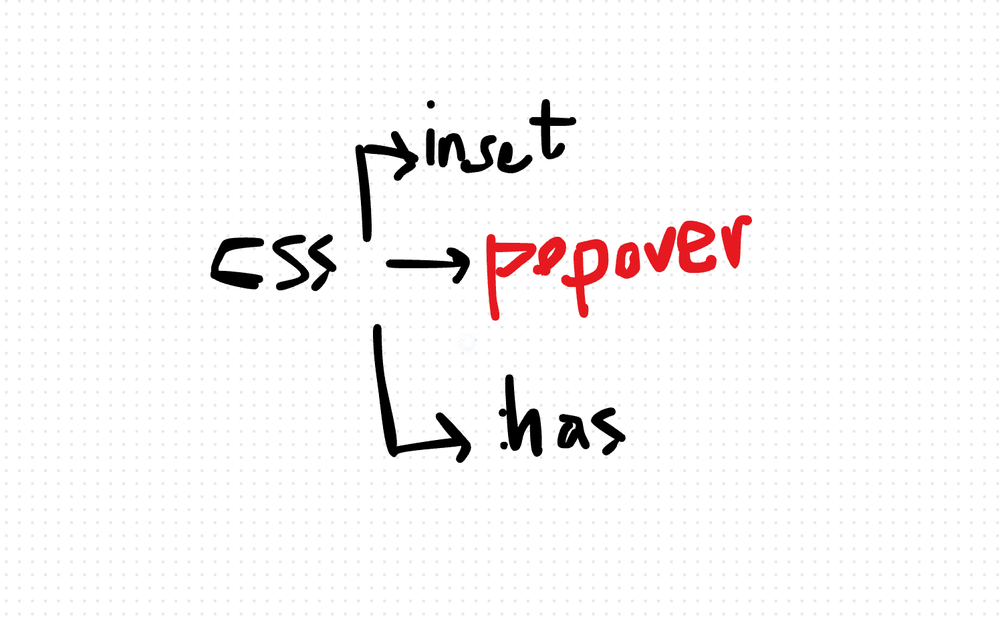
Three CSS features I keep reaching for: inset, popover, and :has(). Each one eliminates a pattern that used to require either verbose CSS or JavaScript. Here's what they do and when I use them.
Inset
inset is shorthand for top, right, bottom, and left. One property instead of four.
.overlay {
  position: absolute;
  inset: 0;
}
That single line replaces:
.overlay {
  position: absolute;
  top: 0;
  right: 0;
  bottom: 0;
  left: 0;
}
You can also use it with individual values: inset: 10px 20px 30px 40px (top, right, bottom, left — same order as margin/padding).
Benefit: Less repetition. Cleaner code for positioned overlays, modals, and full-bleed elements.
Cost: None, really. Browser support is excellent. The only reason not to use it is if you need to support very old browsers.
Popover
The HTML popover attribute creates overlay elements that the browser manages — positioning, stacking context, light dismiss (clicking outside closes it), and focus trapping.
<button popovertarget="my-popup">Open</button>
<div id="my-popup" popover>
  <p>This is a popover.</p>
</div>
No JavaScript needed for basic popover behavior. The browser handles showing, hiding, and dismissing.
Benefit: Eliminates a huge amount of JavaScript you'd normally write for tooltips, dropdowns, and dialogs. Accessibility comes built-in — focus management, escape-to-close, and screen reader announcements.
Cost: Styling the popover and its backdrop requires the ::backdrop pseudo-element. Positioning relative to the trigger requires the CSS Anchor Positioning API (still emerging). For complex positioning needs, you might still need a library like Floating UI.
:has()
The CSS parent selector that developers requested for over a decade. :has() lets you style an element based on its descendants.
.form-group:has(input:focus) {
  border-color: blue;
}

.card:has(img) {
  padding: 0;
}
The first rule highlights a form group when any input inside it is focused. The second removes padding from cards that contain an image.
Benefit: Eliminates JavaScript-based class toggling for parent-state-based styling. Opens up UI patterns that were previously impossible in pure CSS.
Cost: Complex :has() selectors can impact rendering performance. Browsers need to watch descendants and re-evaluate styles when they change. Keep selectors scoped and specific.
Using Them Together
These features combine well. An overlay with inset: 0, a popover for the interaction pattern, and :has() to style the trigger based on whether the popover is open — all without a single line of JavaScript.
That's the direction CSS is heading: taking over responsibilities that used to require JavaScript.
AI Transformation for Organisational Leaders
For directors, heads of function and founders: eight live evening sessions with Ehsan Gazar and Anoosh Zeighami, ending with a one-page 2027 AI plan for your organisation, built on a real workflow and ready for your leadership team.
$1,495, or $1,045 with code EARLYBIRD until 23 Oct.
View the live cohortKeep reading
- React 19 Performance Secrets, Concurrent Rendering, Suspense & Real Tips
- Lazy Loading in HTML and CSS: Enhancing Performance and User Experience
- Edge Rendering with Next.js and Cloudflare Workers
- Rolling Out an Internal UI Component Library
- What is a Design System According to Atlassian?
- CSS Houdini: New Possibilities for Your CSS