Session Storage: Limitations and TypeScript Usage
Session storage lets you store data in the browser that survives page reloads but disappears when the tab closes. It's useful, but its limitations trip pe...
7 May 2024
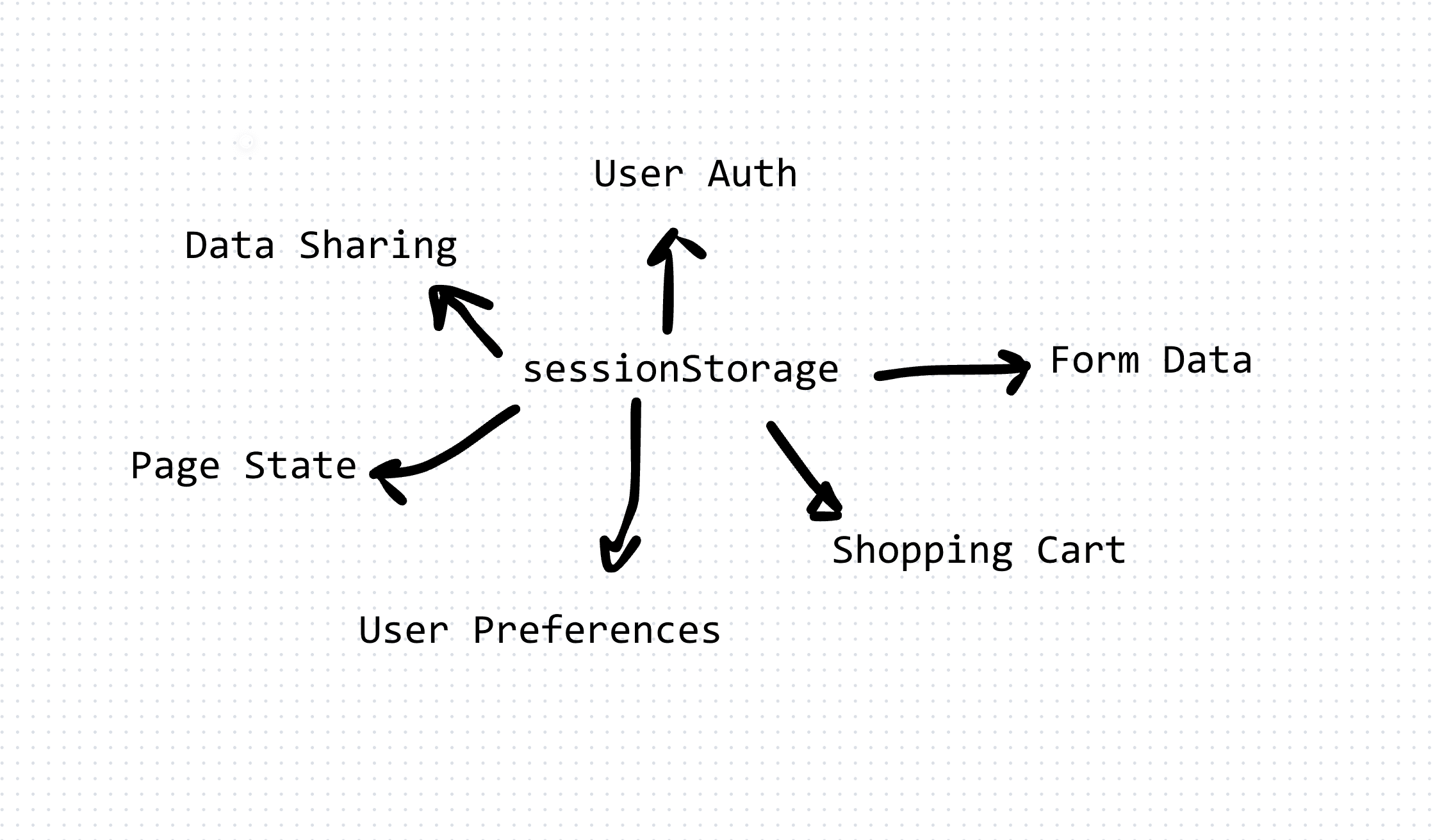
Session storage lets you store data in the browser that survives page reloads but disappears when the tab closes. It's useful, but its limitations trip people up.
What Session Storage Does
It stores key-value pairs scoped to a single browser tab. Each tab gets its own isolated storage. Data persists through page reloads and navigation within the same tab, but vanishes the moment the user closes that tab.
The Limitations
Tab-scoped, not window-scoped. Open two tabs to the same site? They don't share session storage. This confuses users who expect state to sync across tabs. If your app depends on shared state, session storage is the wrong tool.
Strings only. Everything goes in and comes out as a string. Objects and arrays need to be serialized.
5-10 MB limit. Browsers allocate roughly 5-10 MB per origin. That's enough for UI state and small datasets. Not enough for caching large API responses.
Same-origin policy. Data is only accessible from the same protocol + hostname + port combination that wrote it. No cross-origin access.
Synchronous API. All reads and writes block the main thread. With large data, this can cause jank.
Using Session Storage in TypeScript
Basic read and write:
sessionStorage.setItem('username', 'JohnDoe');

const username = sessionStorage.getItem('username');
Storing objects requires serialization:
interface UserPreferences {
  theme: 'light' | 'dark';
  language: string;
  notifications: boolean;
}

function savePreferences(prefs: UserPreferences): void {
  sessionStorage.setItem('preferences', JSON.stringify(prefs));
}

function loadPreferences(): UserPreferences | null {
  const raw = sessionStorage.getItem('preferences');
  if (!raw) return null;
  return JSON.parse(raw) as UserPreferences;
}
A type-safe wrapper to handle the serialization cleanly:
class TypedSessionStorage<T> {
  constructor(private key: string) {}

  get(): T | null {
    const raw = sessionStorage.getItem(this.key);
    if (!raw) return null;
    try {
      return JSON.parse(raw) as T;
    } catch {
      return null;
    }
  }

  set(value: T): void {
    sessionStorage.setItem(this.key, JSON.stringify(value));
  }

  remove(): void {
    sessionStorage.removeItem(this.key);
  }
}

const cartStorage = new TypedSessionStorage<string[]>('cart');
cartStorage.set(['item-1', 'item-2']);
const cart = cartStorage.get();
When to Use It
Session storage works well for temporary UI state: form progress that should survive a page reload, one-time wizard flows, or per-tab feature flags.
Don't use it for anything that needs to persist beyond the session, sync across tabs, or survive a browser crash. For those cases, use localStorage, IndexedDB, or server-side sessions.
AI Transformation for Organisational Leaders
For directors, heads of function and founders: eight live evening sessions with Ehsan Gazar and Anoosh Zeighami, ending with a one-page 2027 AI plan for your organisation, built on a real workflow and ready for your leadership team.
$1,495, or $1,045 with code EARLYBIRD until 23 Oct.
View the live cohort