Avoiding Overwriting Function Inputs: Best Practices in TypeScript
A colleague passed an array to a utility function. The function returned the correct total. But the original array was destroyed — every element had been ...
19 Apr 2024
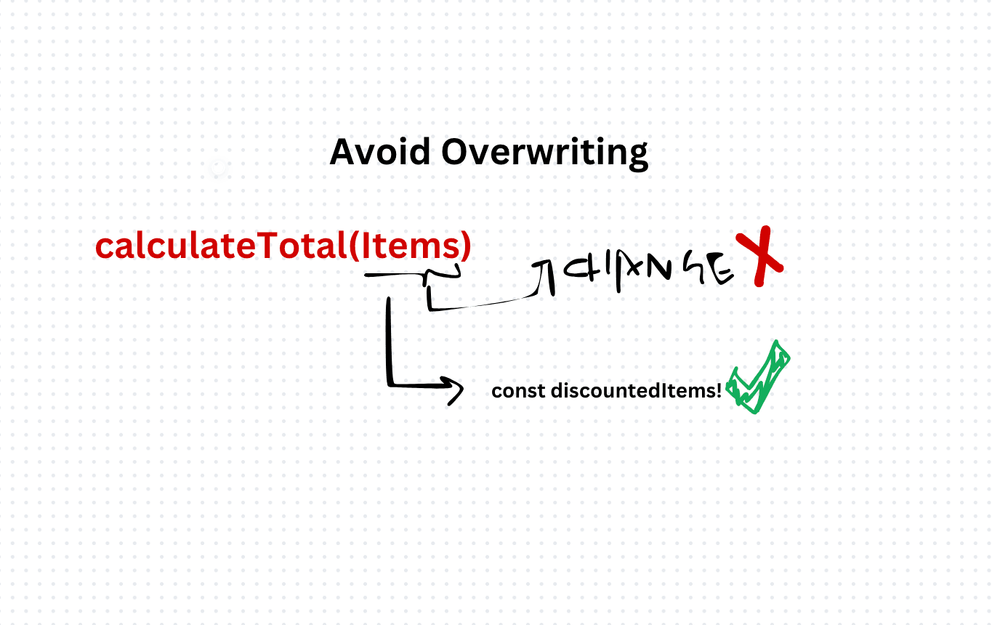
A colleague passed an array to a utility function. The function returned the correct total. But the original array was destroyed — every element had been modified in place. The bug surfaced three screens away, in completely unrelated code.
Overwriting function inputs means mutating the parameters a function receives. It's tempting because it feels efficient. It's dangerous because it creates invisible connections between distant parts of your code.
Why this breaks things
When a function modifies its inputs, the caller's data changes without warning. The caller didn't ask for that. It passed data in, expecting it to stay the same.
This creates three problems:
Invisible side effects. The function does more than its signature promises. You can't trust it without reading the implementation.
Debugging nightmares. When data changes unexpectedly, you have to trace every function that touched it. The mutation could be buried five calls deep.
Broken assumptions. Other parts of the code might still be referencing the original data, expecting it to be unchanged.
The fix: treat inputs as read-only
// BAD: mutates the input array
function calculateTotal(items: number[], discount: number): number {
  for (let i = 0; i < items.length; i++) {
    items[i] -= discount; // original array is now corrupted
  }
  return items.reduce((sum, item) => sum + item, 0);
}

// GOOD: creates new data, leaves the input untouched
function calculateTotal(items: readonly number[], discount: number): number {
  return items
    .map(item => item - discount)
    .reduce((sum, item) => sum + item, 0);
}
The readonly modifier tells TypeScript to block mutations at compile time. If you try to modify items, the compiler stops you before the code ever runs.
Practical rules
Use readonly for array and object parameters. It's a zero-cost safety net — no runtime overhead, full compile-time protection.
Return new values instead of modifying existing ones. Use map, filter, reduce, and the spread operator to create new data structures.
Use structuredClone() or spread when you genuinely need a modified copy. Clone first, then mutate the clone.
function updateUser(user: Readonly<User>, changes: Partial<User>): User {
  return { ...user, ...changes };
}
The trade-off
Immutable patterns use more memory because they create new objects instead of modifying existing ones. For most applications, this is negligible. For performance-critical hot paths with large data structures, you might need to mutate — but do it explicitly, document it, and keep it isolated.
The default should always be: don't touch what isn't yours.
AI Transformation for Organisational Leaders
For directors, heads of function and founders: eight live evening sessions with Ehsan Gazar and Anoosh Zeighami, ending with a one-page 2027 AI plan for your organisation, built on a real workflow and ready for your leadership team.
$1,495, or $1,045 with code EARLYBIRD until 23 Oct.
View the live cohortKeep reading
- DI, SOLID, and the Fundamentals That Actually Matter
- Coding Principles for Better Code Quality
- Right Balance: Best Practices for Code Comments in TypeScript
- Best Practices for Writing Isolated Tests in TypeScript
- Meaningful Test Concepts: Best Practices for Writing Tests in TypeScript
- Open-Closed Principle (OCP) Best Practices in TypeScript: Guidelines and Examples