Tesseract Library and Image Processing to Detect Texts
Extracting text from images is one of those problems that sounds simple until you actually try it. Reading receipts, bills, documents -- the client upload...
15 Oct 2023

Extracting text from images is one of those problems that sounds simple until you actually try it. Reading receipts, bills, documents -- the client uploads a photo and you need to turn pixels into usable text.
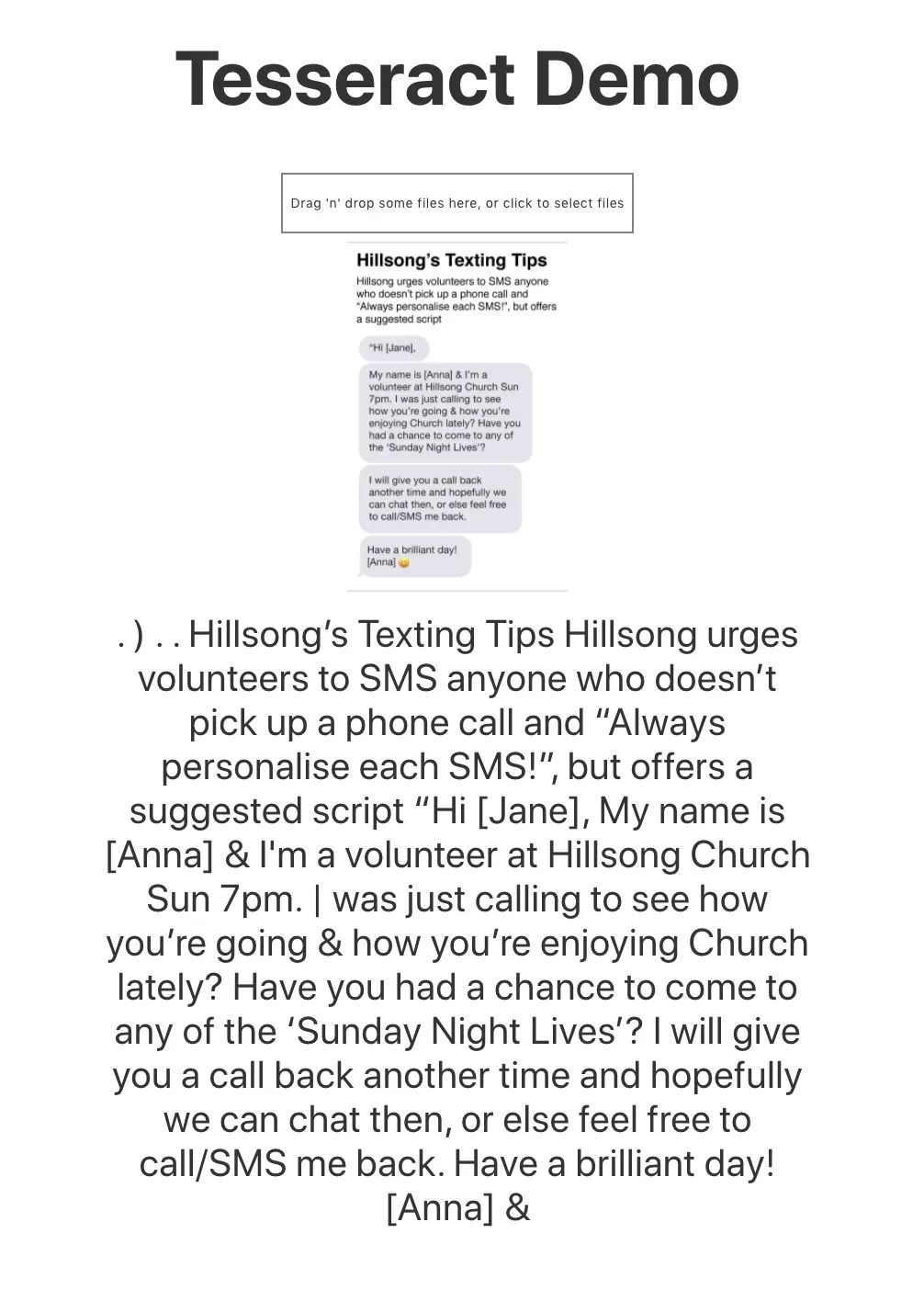
I spent some time experimenting with Tesseract, an open-source OCR library available on GitHub. I built a demo to test it out.
The API is surprisingly simple:
Tesseract.recognize(url.preview, "eng", {
   logger: m => console.log(m)
})
Feed it an image, specify the language, and it returns the detected text. The logger callback gives you progress updates, which is useful for showing a loading state in your UI.
The Trade-offs
Tesseract works well on clean, high-contrast images with standard fonts. Hand-written text, low-resolution photos, or unusual layouts will give you mediocre results. You can improve accuracy with image preprocessing -- contrast adjustment, deskewing, noise reduction -- but that adds complexity.
For production use, consider pairing it with image processing steps before passing the image to Tesseract. The raw library alone is a starting point, not a complete solution.
You can also take this further by combining OCR with Natural Language Processing to understand the extracted text. I wrote about NLP here.
AI Transformation for Organisational Leaders
For directors, heads of function and founders: eight live evening sessions with Ehsan Gazar and Anoosh Zeighami, ending with a one-page 2027 AI plan for your organisation, built on a real workflow and ready for your leadership team.
$1,495, or $1,045 with code EARLYBIRD until 23 Oct.
View the live cohortKeep reading
- Your 2027 AI Plan Should Fit on One Page: Six Questions to Answer First
- The AI System Works. So Why Is Nobody Using It?
- If AI Had Existed When Your Workflow Was Designed, Would It Look Like This?
- AI Transformation Is Not Digital Transformation With a New Tool
- Your AI Pilot Saved Time. Why Didn't the Business Change?
- A Chatbot Answers. An Agent Does the Work. Here Is the Difference