A Guide to Creating AI Assistants with OpenAI: Unleashing Intelligent Task-Specific Models
I wanted to analyze my bank transactions from CommBank and ING. Not with a spreadsheet. With an AI that could answer questions about my spending patterns ...
4 Jan 2024
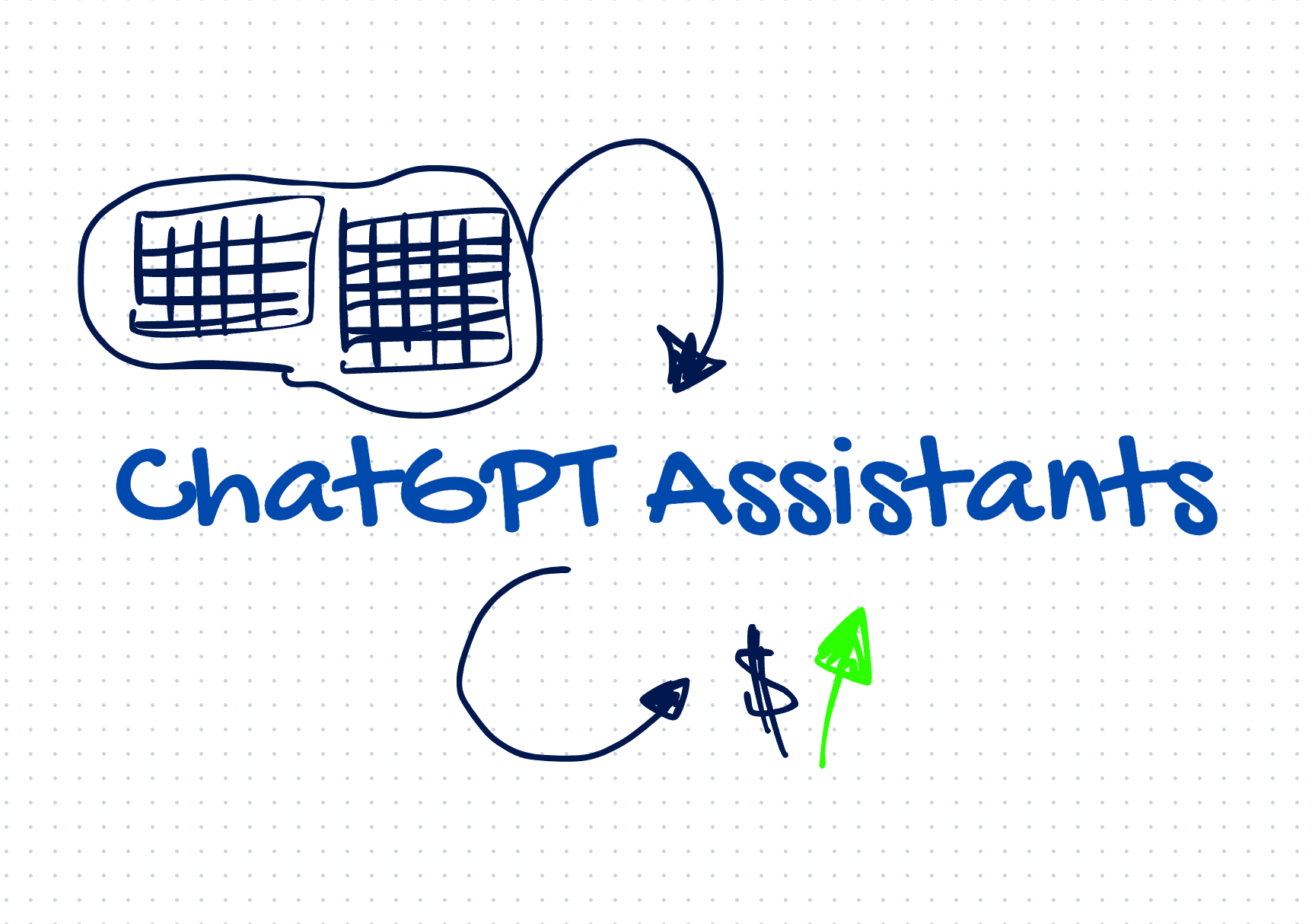
I wanted to analyze my bank transactions from CommBank and ING. Not with a spreadsheet. With an AI that could answer questions about my spending patterns and generate charts on demand.
OpenAI's Assistants API makes this possible. You create an assistant with specific instructions, upload files for it to work with, and then have conversations where it reasons over your data.
Think of it like giving a smart intern your CSV files and a job description. The assistant knows its role, has access to your data, and responds within those constraints.
How it works
The core idea: you define an assistant with a personality, tools, and files. Then you create threads (conversations) where users can ask questions and the assistant responds using the tools and data you gave it.
Here's how to set one up with Node.js:
import OpenAI from "openai"

const openai = new OpenAI()

const assistant = await openai.beta.assistants.create({
  name: "Finance Analyzer",
  instructions: "You analyze bank transaction CSVs. Summarize spending by category, flag unusual transactions, and generate charts when asked.",
  tools: [{ type: "code_interpreter" }],
  model: "gpt-4-turbo"
})
The code_interpreter tool is key. It lets the assistant write and execute Python code to process your files, run calculations, and generate visualizations.
Upload files and start a conversation
const file = await openai.files.create({
  file: fs.createReadStream("transactions.csv"),
  purpose: "assistants"
})

const thread = await openai.beta.threads.create()

await openai.beta.threads.messages.create(thread.id, {
  role: "user",
  content: "Show me my top 5 spending categories this month",
  attachments: [{ file_id: file.id, tools: [{ type: "code_interpreter" }] }]
})

const run = await openai.beta.threads.runs.create(thread.id, {
  assistant_id: assistant.id
})
The assistant reads the CSV, writes Python code to group and sum transactions, and returns a breakdown. It can even generate charts as image files.
What makes this useful
The benefit: you get a domain-specific AI that reasons over your actual data. No fine-tuning required. Just instructions, files, and tools.
The cost: it's a beta feature with rough edges. Runs can be slow. File processing has size limits. And you're sending potentially sensitive data to OpenAI's servers -- so think carefully about what you upload.
For personal projects like analyzing bank statements, it's a fast way to build something genuinely useful without training a custom model.
AI Transformation for Organisational Leaders
For directors, heads of function and founders: eight live evening sessions with Ehsan Gazar and Anoosh Zeighami, ending with a one-page 2027 AI plan for your organisation, built on a real workflow and ready for your leadership team.
$1,495, or $1,045 with code EARLYBIRD until 23 Oct.
View the live cohortKeep reading
- LLM Tracing vs Evals: Which One Tells You Why Your Agent Broke
- Containers vs Cloudflare Computer: There Is Not Enough Compute for One Box Per Agent
- Graph Engineering: Every Edge You Draw Takes a Decision Away From the Model
- Semantic Caching for AI Requests, Explained Simply
- The Most Honest Piece of Documentation Hugging Face Ships Is Its Logo
- Why I Route Every AI Call Through OpenRouter Instead of Direct Endpoints