AWS Databases: A Comprehensive Guide
AWS has a database service for almost every use case. The breadth is both its strength and its trap — pick the wrong one and you're fighting the tool inst...
17 May 2024
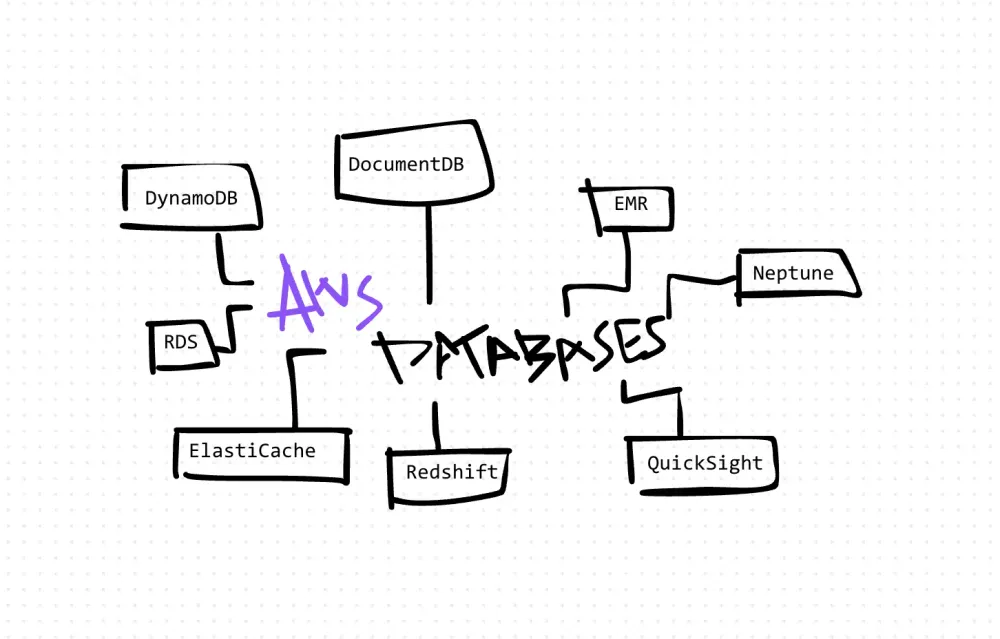
AWS has a database service for almost every use case. The breadth is both its strength and its trap — pick the wrong one and you're fighting the tool instead of solving your problem. Here's my take on the key services after working with most of them in production.
RDS (Relational Database Service)
RDS gives you a managed relational database — MySQL, PostgreSQL, MariaDB, Oracle, or SQL Server — without the ops burden of patching, backups, and failover.
The win: You get a production-ready relational database in minutes. Automated backups, point-in-time recovery, and multi-AZ failover work out of the box.
The cost: Multi-AZ deployments double your bill. Storage IOPS pricing is confusing and can spike. You still need to tune queries and manage schema — RDS handles the infrastructure, not your data model.
Aurora
Aurora is AWS's custom-built relational engine. MySQL and PostgreSQL compatible, but reimplemented for cloud-native performance.
The win: Up to 5x throughput over standard MySQL. Storage auto-scales. Read replicas spin up fast. Automated failover is genuinely seamless.
The cost: More expensive than standard RDS. The MySQL/PostgreSQL "compatibility" isn't 100% — some features and edge cases behave differently. Vendor lock-in is real since you can't run Aurora outside AWS.
ElastiCache
A managed in-memory store supporting Redis and Memcached. Built for sub-millisecond read latency.
The win: Takes the ops pain out of running Redis clusters. Automatic failover, backup, and scaling.
The cost: Memory is expensive. A cache that's not properly managed becomes a stale data source. You still need a strategy for cache invalidation, eviction policies, and warm-up.
DynamoDB
A fully managed NoSQL key-value and document database. Designed for consistent single-digit millisecond performance at any scale.
The win: Handles massive read/write throughput without breaking a sweat. On-demand pricing means you only pay for what you use. Global tables replicate across regions automatically.
The cost: Schema design is everything. If you get your partition key wrong, you get hot partitions and throttling. Querying is limited — no ad-hoc joins, no flexible filtering. You design your tables around your access patterns, not the other way around.
Redshift
A columnar data warehouse optimized for analytical queries over large datasets.
The win: Runs complex SQL analytics across petabytes of data. Columnar storage and compression make aggregation queries fast. Integrates well with BI tools.
The cost: Cluster management is non-trivial. Query performance degrades without proper sort keys and distribution styles. Not designed for transactional workloads.
Neptune
A managed graph database supporting Property Graph and RDF models.
The win: Excellent for use cases involving complex relationships — social networks, recommendation engines, fraud detection, knowledge graphs. Graph traversal performance is strong.
The cost: Steep learning curve. You need to know Gremlin or SPARQL. If your data isn't fundamentally graph-shaped, a relational database will serve you better and be easier to maintain.
DocumentDB
AWS's MongoDB-compatible document database. Managed, scalable, and integrated with the AWS ecosystem.
The win: Familiar MongoDB API without managing your own clusters. Scales reads with replicas. Good for teams already invested in MongoDB patterns.
The cost: "Compatible" isn't identical. Some MongoDB features are missing or behave differently. If you're running complex aggregation pipelines, test thoroughly. Migration from self-managed MongoDB isn't always painless.
The bigger picture
AWS gives you purpose-built databases. That's the right approach — use the tool designed for your access pattern. But it means you need to understand tradeoffs before you commit.
Relational data with complex queries? RDS or Aurora. High-throughput key-value access? DynamoDB. Caching layer? ElastiCache. Analytics? Redshift. Graph relationships? Neptune.
Pick based on your access patterns, not on what's trendy. And always estimate your costs before going to production — AWS database bills have a way of surprising people.
AI Transformation for Organisational Leaders
For directors, heads of function and founders: eight live evening sessions with Ehsan Gazar and Anoosh Zeighami, ending with a one-page 2027 AI plan for your organisation, built on a real workflow and ready for your leadership team.
$1,495, or $1,045 with code EARLYBIRD until 23 Oct.
View the live cohort